 BudwiseBudwise
Find Budwise pages.
BudwiseBudwiseSee it. Know it.
Grow better.
Your grow. Track. Nurture.
Higher tomorrows.
Live app preview · Read-only demo
Explore the appWatering, feeding, photos, notes, stage changes, and harvest records stay with the plant.
Keep temperature, humidity, VPD, and lighting readings beside the plants they affect.
Photo checks can use recent care, manually recorded environment readings, and prior issues.
Review what happened on each day without maintaining a second schedule by hand.
See active plants, spaces, current conditions, and work needing attention.
Move through plant histories, photos, feeding details, and manually recorded environment readings.
Browse the calendar, Diagnosis, settings, and the rest of the app without creating an account.
Budwise keeps care, photos, manually recorded environment readings, feeding, and Diagnosis history together so you can see what changed and what needs attention.
Budwise is a private grow workspace. Your plant, care, and grow-space records stay inside your account.
Your grow at a glance
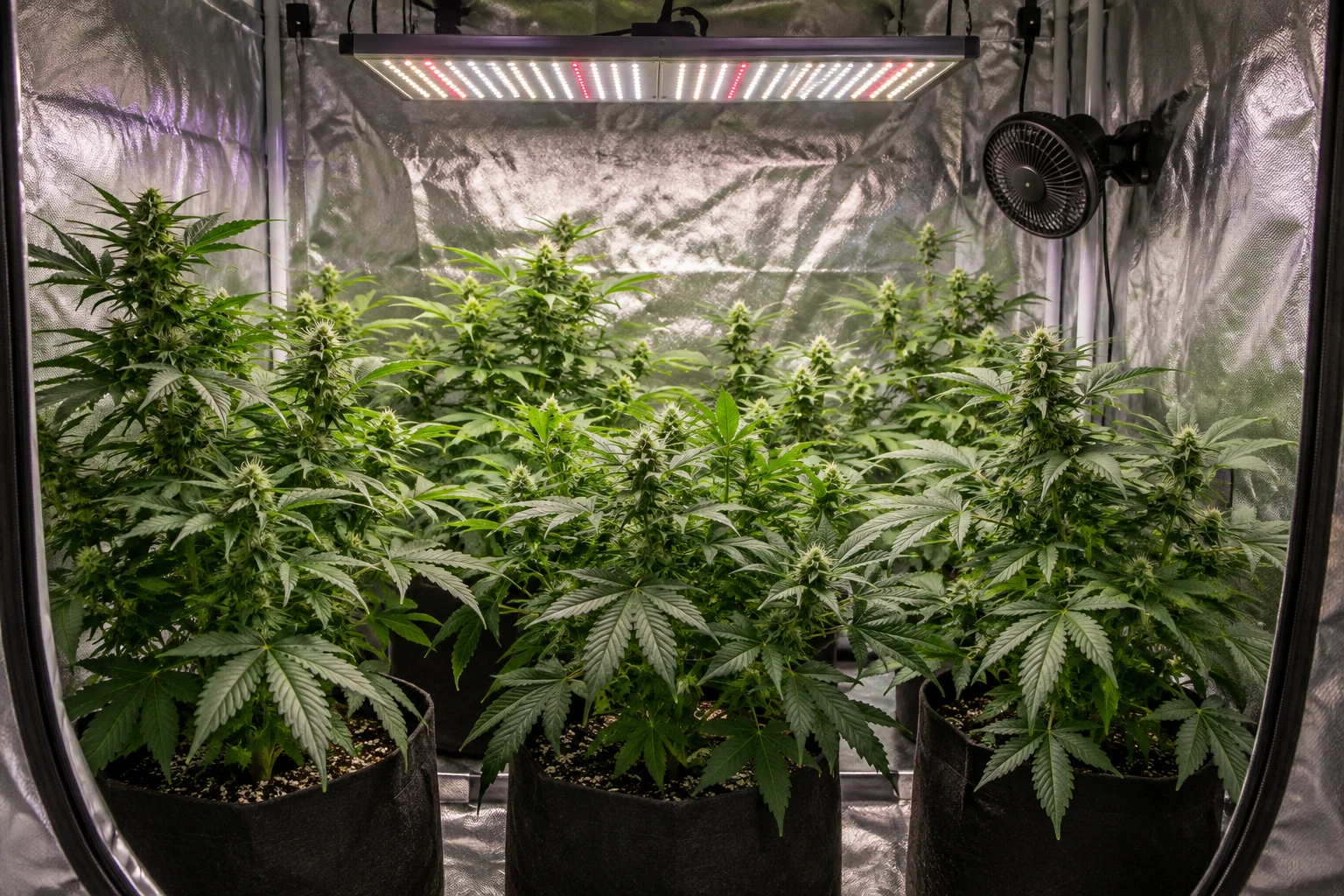 North Tenttent / Coco / perlite / 300 W full-spectrum LED77 F52% RH1.4 VPDLast recorded Sep 15, 2026