A closer look at grow tracking
Record tent readings, VPD, PPFD, and CO2 by hand.
- Measure
- Climate
- Record
- Manual
- Review
- Trends
Track setup conditions
Record temperature, humidity, VPD, PPFD, and CO2 close to the grow-space workflow.
Record conditions by hand
Enter temperature, humidity, VPD, PPFD, and CO2 in the space when you take a reading.
Keep readings private
Environment readings are part of your private grow workspace.
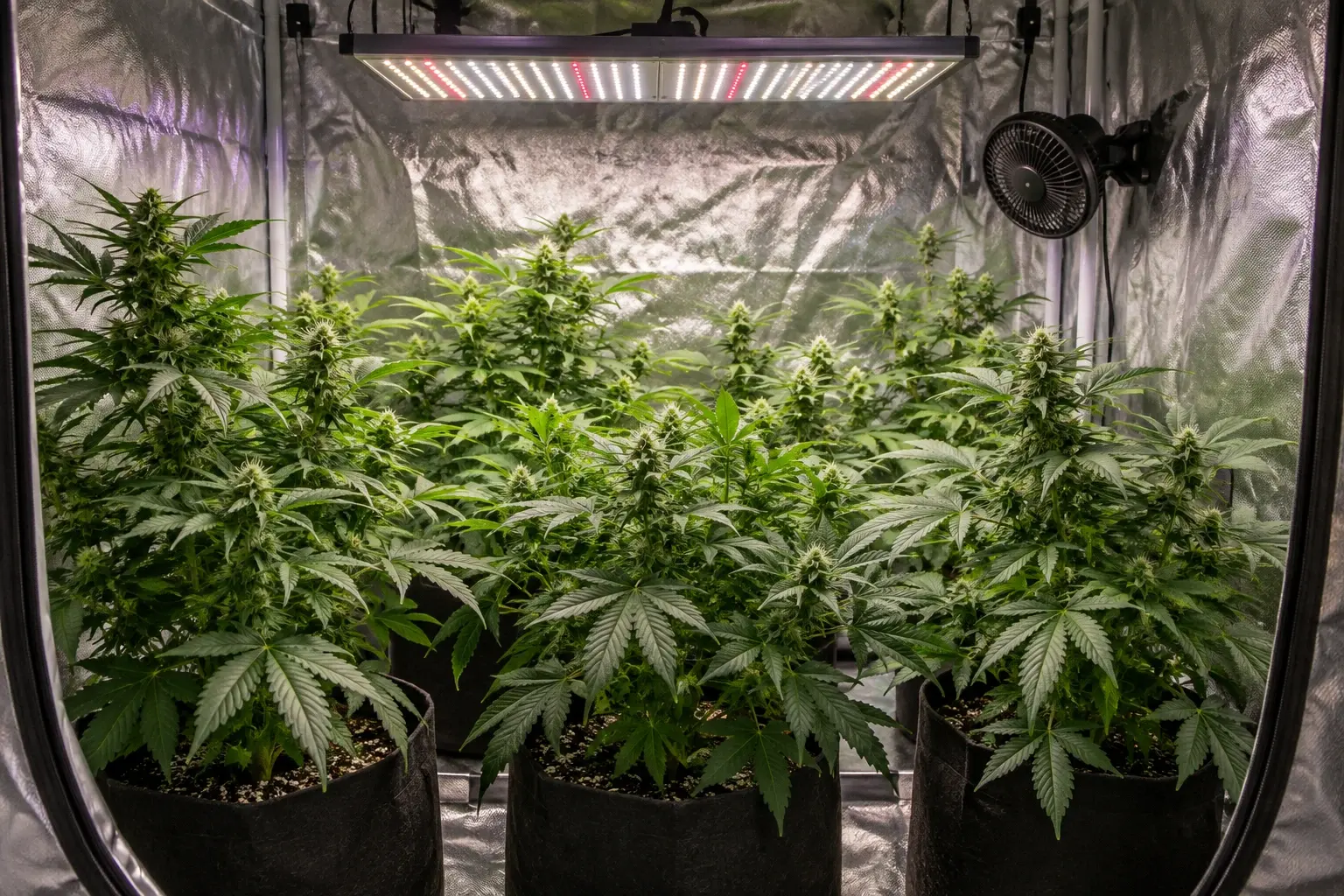
Flower Tent · latest snapshot
Notes
Plants looking healthy. Humidity recorded after watering.
Track conditions by space
Grow tents, rooms, shelves, and greenhouses need environment history close to the plants that depend on them.
- Enter temperature, humidity, VPD, PPFD, and CO2 by hand
- Attach readings to a named space
- Review recent readings over time
Use readings in plant context
Budwise normalizes environment data so the dashboard, plant details, calendar, and Diagnosis can use the same snapshots.
- Add a reading from the grow-space workflow
- Save conditions alongside plant activity
- Review readings with plant context
Frequently asked questions
Try the workflow in the real app.
The read-only demo includes complete plant, grow-space, calendar, and Diagnosis records.
Explore the demo Budwise